Mac requirements
Razer Synapse download for Mac requirements
Checked Aug 13, 2026
Eligibility
Can your Mac run Razer Synapse?
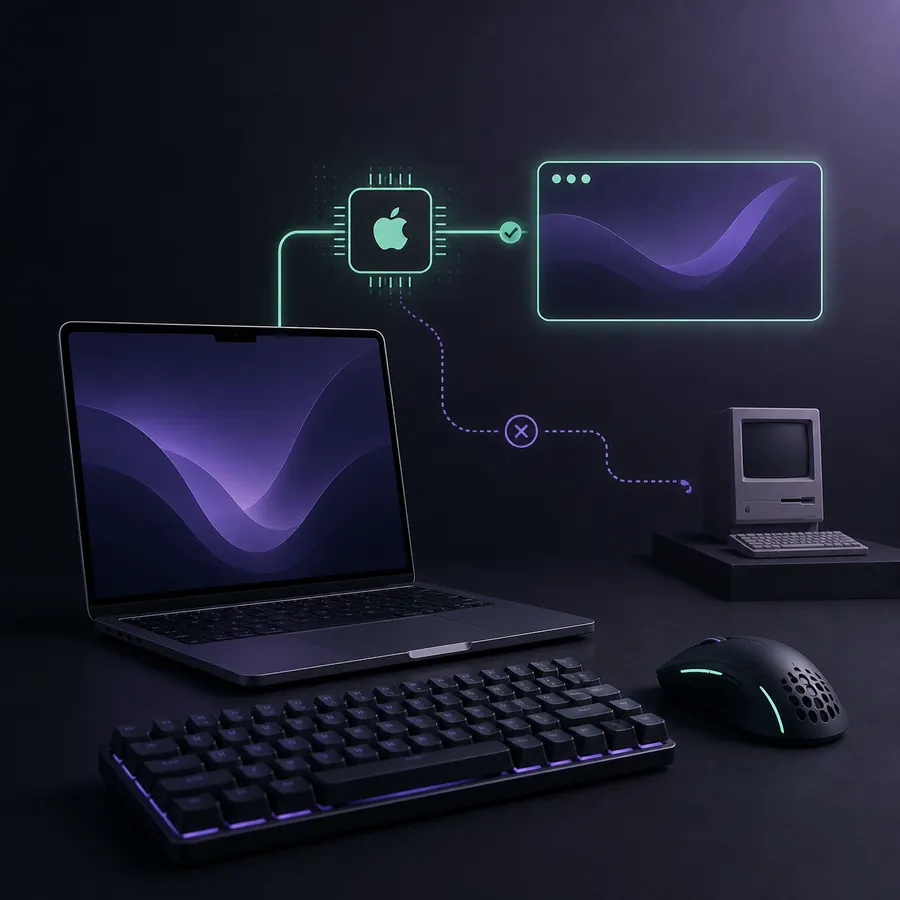
First open About This Mac and confirm both the macOS version and chip. The current Preview requires macOS 15 or later and Apple silicon. An Intel Mac does not satisfy the published requirement even if it runs a recent-looking interface.
Next confirm the Razer device on the dedicated Mac list. Windows compatibility does not automatically imply Mac compatibility.
- Confirm macOS 15 or newer.
- Confirm Apple M-series silicon.
- Confirm the exact Razer device on article ID 14809.
Features
What the Mac Preview provides
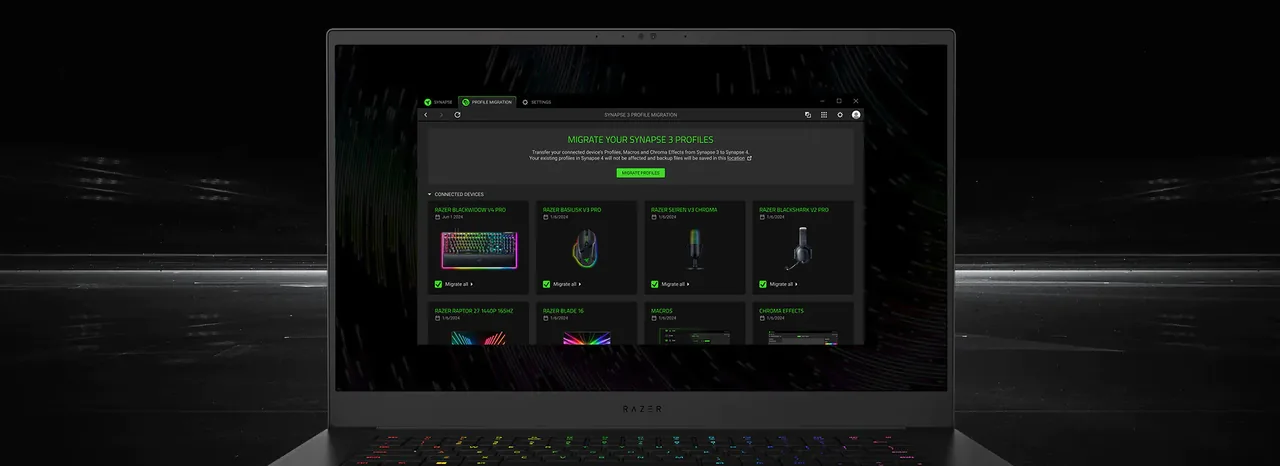
Razer describes device configuration, custom profiles, cloud sync through Razer ID and productivity controls. It also promotes a separate Razer Chroma app Preview for unified RGB lighting on supported devices.
Preview software can change quickly. Keep the installer source and support list tied to Razer, and recheck compatibility after major macOS updates.
- Configure available device controls.
- Create and synchronize supported profiles.
- Use supported macro and lighting functions where offered.
Legacy Mac
Synapse 2 Mac is a different branch
Razer's older Synapse 2 page lists Mac OS X 10.10 through 10.14 and version 1.42. That legacy installer is not the current Mac Preview and should not be used on a modern Apple silicon Mac merely because the filename says Mac.
Choose the branch from the operating system, chip and device together.
- Current Apple silicon + macOS 15+: Mac Preview.
- Historical OS X 10.10–10.14 + compatible legacy device: review Synapse 2.
- Other Mac combinations: do not assume support.
Example decisions
Mac compatibility examples
A MacBook with an M-series chip, macOS 15 and a device present on Razer's Mac list is the clearest Preview candidate. An Intel Mac, even on a newer operating system, does not meet the published Apple silicon requirement. A 2014-era Mac on OS X 10.14 may match the historical Synapse 2 system range, but only if the exact peripheral belongs to that legacy branch.
If the device appears on the Windows Synapse 4 list but not the Mac list, do not treat the Windows entry as cross-platform confirmation. Keep basic on-board settings where available and check Razer Support for the model before changing software branches.
After installation, confirm that the device appears and that the required controls are present before deleting older profiles or changing on-board settings. Preview status means available functions and supported products can evolve, so keep important configurations documented outside the app.
- Modern Apple silicon candidate: Mac Preview.
- Intel Mac: no confirmed Preview match from the published requirement.
- Legacy OS X candidate: verify Synapse 2 device support separately.
Quick Mac test
Razer Synapse download for Mac: confirm these three conditions
A current Razer Synapse download for Mac is a good match only when the Mac runs macOS 15 Sequoia or later, uses Apple silicon, and the exact Razer device appears on the Mac support list. Meeting two of the three conditions is not enough, and a Windows support entry cannot be reused as Mac evidence.
If the Preview installs but a mouse or keyboard is missing, preserve your settings, recheck the model or RZ number, and compare the Web or legacy guide before downloading another package. A successful download does not create compatibility for an unsupported product.
- Check macOS 15 or later and the chip family together.
- Use the separate Mac device list, not only the Windows list.
- Treat Preview limitations as a product boundary, not an installer failure.
Mac installation decision
Razer Synapse download for Mac checklist
Use this Razer Synapse download for Mac checklist to separate three combinations that search results often mix together: the current Mac Preview, the historical Synapse 2 Mac package and unsupported Mac configurations. The installer button is only the final step. First verify macOS, processor family, exact Razer model, support-list status and the controls you need. That evidence prevents a Windows-compatible product name from being mistaken for confirmed Mac support.
- 1
Verify macOS and Apple silicon togetherOpen About This Mac and record both the operating-system version and chip. The current Preview requires macOS 15 Sequoia or later and Apple silicon. Meeting only one condition is not enough. An Intel Mac is outside the published Preview requirement, while a current M-series Mac running an older system still needs an operating-system update before it matches. Use the Razer Synapse download for Mac only after both platform conditions are confirmed.
- 2
Check the separate Mac device listSearch the full product name and RZ identifier in Razer's dedicated Mac support article. Do not substitute the larger Windows Synapse 4 list, because Windows compatibility does not establish Mac compatibility. If the exact device is absent, retain any useful on-board settings and ask Razer Support about that model. Preview support can expand, so recheck the maintained list after significant product, firmware or macOS changes.
- 3
Distinguish Preview from legacy Synapse 2The older Synapse 2 Mac page lists version 1.42, a 25.4 MB file and Mac OS X 10.10 through 10.14. Those historical facts do not describe the current Preview. A modern Apple silicon Mac should not run the legacy installer just because both products say Mac. Conversely, an old Intel system does not qualify for the Preview by using a newer-looking download link. Each branch needs its own documented match.
- 4
Test the controls after installationOpen the Razer-owned Mac link, finish installation and confirm that the application recognizes the device. Check profiles, button mappings, macros, cloud sync and lighting features that matter to your workflow. Preview status means some controls or products may be unavailable. Document important configurations before changing firmware or macOS, and use the troubleshooting page if the download succeeds but recognition, permissions or expected modules do not.
This Razer Synapse download for Mac checklist produces a clear yes, no or wait result. A yes requires macOS 15 or later, Apple silicon, an exact device-list match and successful recognition. A legacy result requires a separately compatible old system and device. Every other combination should be treated as unconfirmed until Razer publishes support, rather than forced with a Windows installer, compatibility workaround or third-party package.
Mac answers
Razer Synapse download for Mac FAQ
Is Razer Synapse available for Mac?
Yes. Razer currently offers Synapse for Mac Preview through an official download link.
Does Synapse for Mac work on Intel Macs?
The published Preview requirement specifies Apple silicon. Intel Macs are not included in that requirement.
Which macOS version is required?
Razer lists macOS 15 Sequoia or later for the current Mac Preview.
Does every Razer mouse work on Mac Preview?
No universal claim should be made. Razer maintains a separate Mac supported-device list that it says is continually expanding.
Can I download Razer Synapse for Mac on an Intel Mac?
The current Mac Preview requirement specifies Apple silicon and macOS 15 Sequoia or later. An Intel Mac is not included in that published requirement; check Razer's maintained Mac support information instead of forcing a Windows or legacy installer.