The official Razer Synapse 2 download remains a legacy PC/Mac path for specific devices and older systems. Match the exact model and operating system before using the historical installer, and do not treat it as the current Windows 11 solution.
Verified August 13, 2026: Razer's dedicated Synapse 2 page, PC/Mac links, version facts and legacy operating-system requirements were checked on August 13, 2026.
Choose your operating system and goal. Add a device name or RZ model number for an extra compatibility reminder.
Runs locally in your browser
Your recommendation will appear here
The result includes platform requirements, the reason for the recommendation, and a verified Razer source link when one is available.
Published legacy facts
Razer Synapse 2 versions and requirements
Checked Aug 13, 2026
PC version
1.18.21
Mac version
1.42
PC file size
21.6 MB
Mac file size
25.4 MB
Date added
August 13, 2015
Windows
Windows 7, 8 and 10; 32-bit or 64-bit as listed by Razer
Mac
Mac OS X 10.10 through 10.14
Internet
Required for activation and updates; optional offline mode after activation
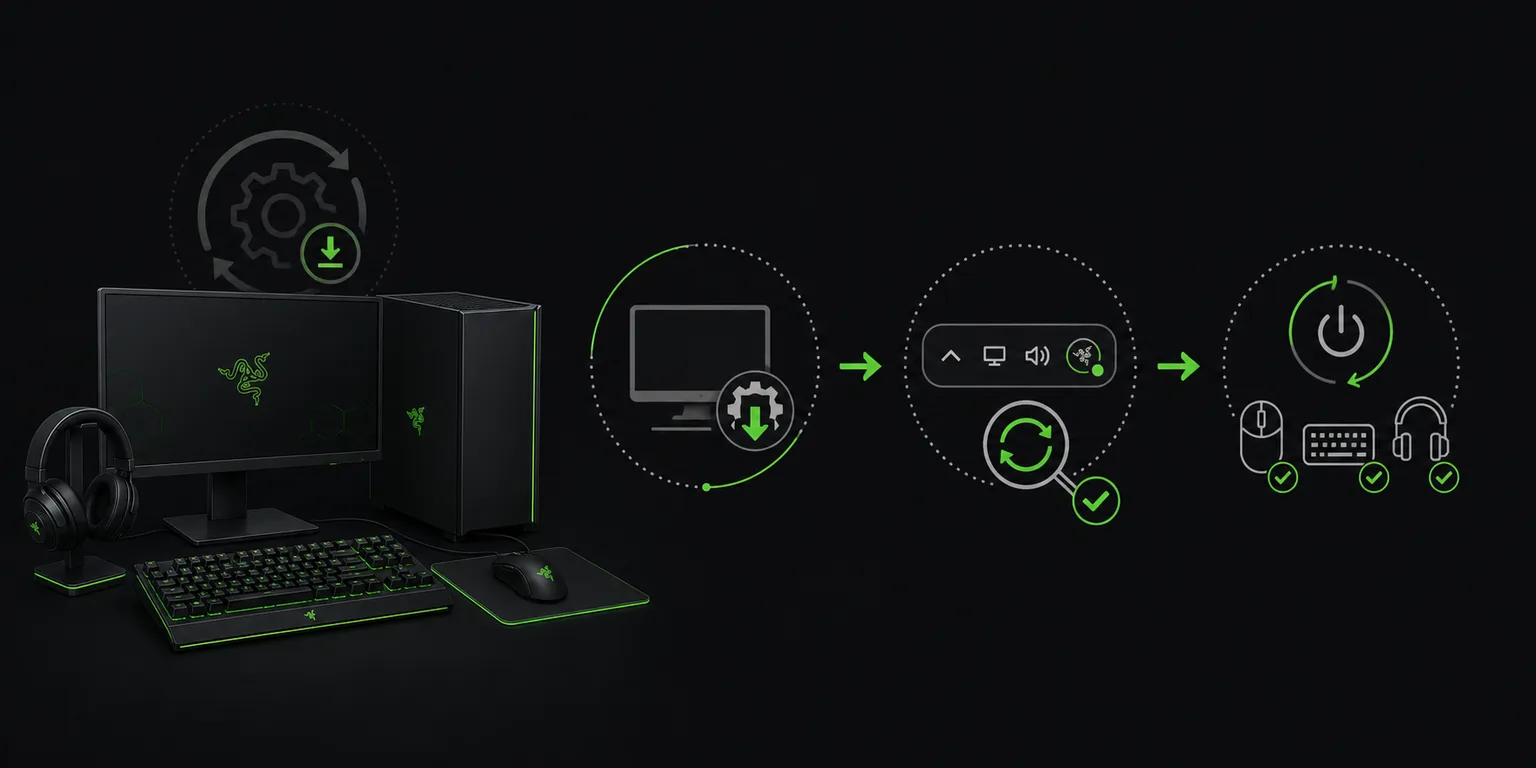
Editorial illustration
A legacy download is a compatibility decision
This conceptual illustration is an editorial aid, not an official Razer installer screenshot. Use the linked first-party page for the published version and platform facts.
Synapse 2 is designed for older supported devices and systems. It is not automatically better for every old-looking mouse or keyboard. Confirm the exact model and use the current Synapse 4 branch whenever Razer lists the device there.
The official technical facts are historical. A Windows 11 user should not choose Synapse 2 simply because it has a smaller installer or an older interface.
Use Synapse 2 only for a compatible legacy device.
Match the operating system to Razer's published range.
Keep an internet connection available for activation and updates.
Platform split
Synapse 2 for PC vs Mac
Razer publishes separate PC and Mac short links. The PC entry lists Windows 7, Windows 8 and Windows 10. The Mac entry lists OS X 10.10 through 10.14.
Current Apple silicon Macs running macOS 15 or later belong to the separate Synapse for Mac Preview path, not the old Synapse 2 Mac installer.
As a practical example, an older compatible keyboard on Windows 8 may fit the PC branch, while the same product name on a current Mac does not automatically fit either Mac installer. The operating system, processor generation and exact model must agree before the legacy download is appropriate.
PC download: use the Razer PC short link.
Legacy Mac download: use the Razer Mac short link only on the listed historical systems.
Current Apple silicon Mac: review the Mac Preview guide.
Safety
Avoid misleading old-version downloads
Old software attracts mirror pages that reuse familiar filenames. A matching filename does not prove that an installer is untouched, compatible or still supported.
This page links to Razer's maintained product page and short links. If those sources change or retire the file, the page should be rechecked rather than replaced with an unknown mirror.
Keep the published legacy specifications with your decision: PC 1.18.21, Mac 1.42 and the listed historical operating systems. If a mirror advertises a different build, do not treat that difference as an upgrade. It is a reason to return to the first-party page and verify the branch.
Do not use torrent or file-sharing copies.
Do not disable security tools permanently.
Back up important profiles before changing branches.
Windows 11 answer
Razer Synapse 2 download: check the legacy boundary first
Razer's published Synapse 2 requirements list Windows 7, Windows 8 and Windows 10 for the PC package, plus Mac OS X 10.10 through 10.14 for the older Mac package. Windows 11 and current Apple silicon Macs should not be treated as confirmed Synapse 2 targets just because the installer is still listed.
If the exact device is supported by Synapse 4, use the current branch instead. If it is a historical device, keep the official PC or Mac package, activation requirement and model match together; a third-party MSI or a mirror with a different version number is not evidence of a better download.
Match the exact device and legacy operating system.
Do not assume Windows 11 support from a successful launch.
Use Razer's own PC/Mac page instead of an archived mirror.
Legacy branch decision
Razer Synapse 2 download checklist
Use this Razer Synapse 2 download checklist only after current Synapse 4 compatibility has been ruled out for the exact device and system. Synapse 2 remains a documented legacy branch with separate PC and Mac packages, published version numbers and historical operating-system ranges. Those facts make the page verifiable, but they do not make the older software a universal fallback for every device that fails to appear in the current application.
1
Match the historical operating-system range
For PC, compare the computer with the listed Windows 7, Windows 8 and Windows 10 range. For Mac, compare it with Mac OS X 10.10 through 10.14. Windows 11 and current Apple silicon Macs are outside those visible legacy specifications. Do not use compatibility mode or an old package name as proof. A Razer Synapse 2 download is appropriate only when both the operating system and exact peripheral fit the legacy branch.
2
Choose the correct PC or Mac package
The official page identifies PC version 1.18.21 at 21.6 MB and Mac version 1.42 at 25.4 MB. Keep the platform, version and file-size facts together when opening the corresponding Razer short link. A different number on a mirror is not evidence of an improved release. It is a reason to stop, return to the first-party product page and verify whether Razer has changed or retired the published package.
3
Plan activation, updates and offline use
Razer states that internet access is required to activate full features and obtain updates, with optional offline use after activation. Arrange a stable connection for the first setup, sign in only through the expected Razer workflow and allow required services to complete. If activation cannot reach Razer, diagnose network filtering, date and time, permissions and service status before replacing the installer with an unofficial copy.
4
Protect profiles before changing branches
Export or document important profiles, macros, sensitivity stages and button assignments before removing another Synapse version. Install the legacy package only after conflicting branches are handled according to Razer support guidance. Then verify device recognition and every required control. If the product remains absent, capture the RZ identifier and setup details for support; do not cycle through random Synapse 2 builds until one appears to open.
This Razer Synapse 2 download checklist treats legacy software as a precise compatibility choice rather than a general repair tool. The correct result combines an explicitly supported old operating system, a matching device, the correct platform package, first-party source and successful activation. When any part is uncertain, compare the current branch and supported-device resources before proceeding, because installing an older application cannot create hardware support that the documented branch does not provide.
Razer's dedicated Synapse 2 product page and PC/Mac download links were available when checked July 13, 2026.
Does Synapse 2 work on Windows 11?
Razer's visible Synapse 2 technical specifications list Windows 7, 8 and 10, not Windows 11. Use the current Synapse 4 path for supported Windows 11 devices.
Can Synapse 2 work offline?
Razer states that internet access is needed to activate full features and obtain updates. After activation, full features are available in optional offline mode.
What is the Synapse 2 Mac requirement?
The legacy page lists Mac OS X 10.10 through 10.14. Current macOS 15 Apple silicon users should check the separate Mac Preview.
Is Razer Synapse 2.0 the same download as Razer Synapse 2?
The page and search results use both Synapse 2 and Synapse 2.0 wording for the same legacy product family. Confirm the PC or Mac package, version and operating-system requirements on Razer's official page rather than choosing a mirror by filename.